This short guide will demonstrate how to obtain the MAC address of the network adapters on your machine. A MAC address is a unique identifier attached to most forms of networking equipment. It can be used by routers/acces points to filter who can connect to that specific router/access point. We will further disscuss this method of wireless security in the next guide I post.
..
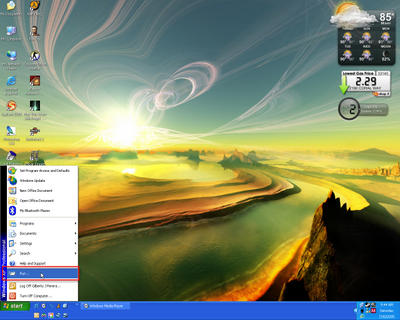
1. Go to ‘Start’ and click on ‘Run…’
..
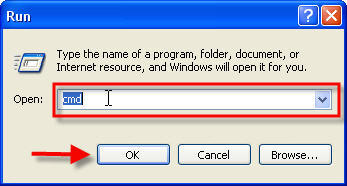
2. When ‘Run’ prompt appears type ‘cmd’ and click ‘OK’
3. This is the Windows Command Prompt
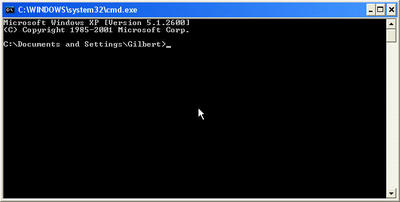
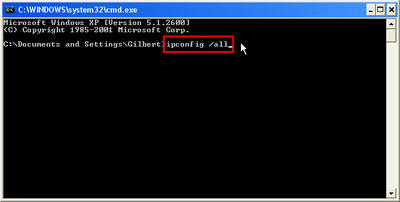
4. In the Windows Command Prompt type the following ‘ipconfig /all’ and hit Enter on your keyboard
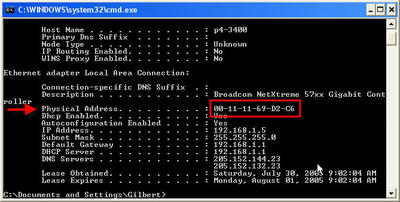
5. The following is the information on the Network Adapters installed on your machine. For the purposes of the tutorials that will follow, we only need the physical address (MAC address) of the adapter. Close the window when you’re done copying the MAC address.


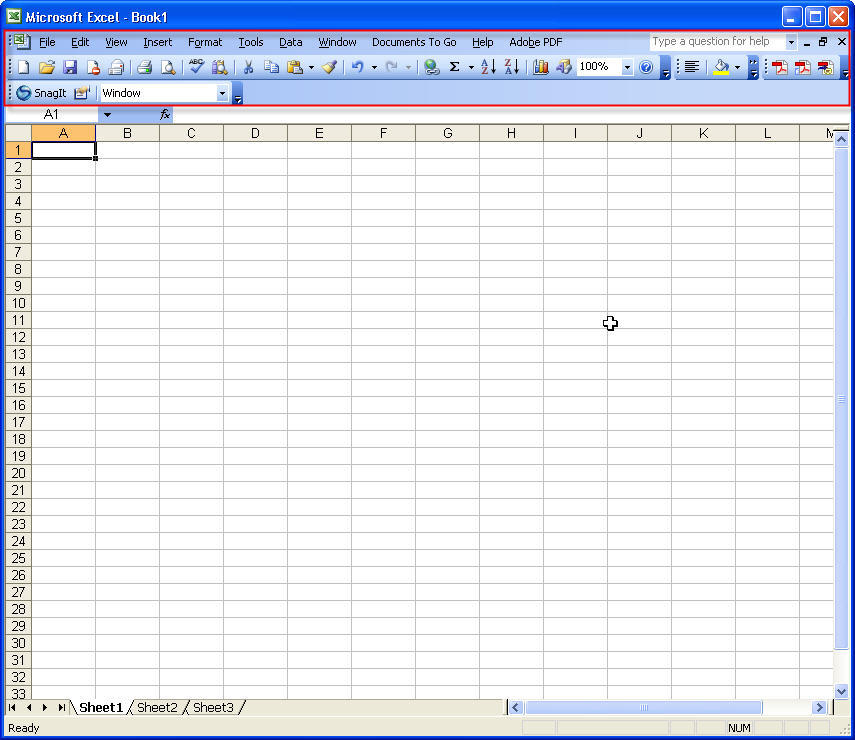
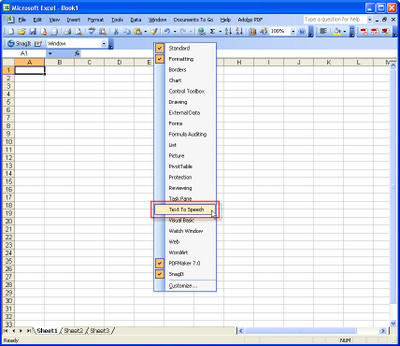 3. This is the ‘Text To Speech’ Menu.
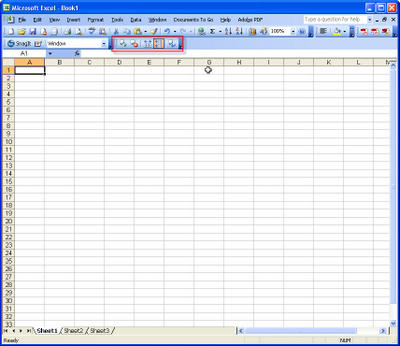 4. Click on ‘Speak On Enter’ from the ‘Text To Speech’ toolbar.